
Your professional email address can show up even before your subject line. In a cold outreach, a support reply, or an invoice, it’s the first thing the recipient registers, and it shapes how seriously they take the message that follows.
An address like tells the recipient they’re dealing with a real company. tells them something different even if the message is identical.
For businesses that rely on email for sales, support, or transactional communication, the distinction isn’t just cosmetic and it may affect open rates, reply rates, and whether your messages land in the inbox at all, since providers weigh sender domain reputation heavily in filtering decisions.
Creating a professional email address takes little time if you already have a domain. The process comes down to three things: choosing a format that scales, setting up hosting on your domain, and configuring DNS records so your messages authenticate properly. Here’s how each part works.
What makes an email address look professional
In short, two things: a company domain and a consistent format. Everything else – separators, capitalization, whether you include a middle initial – is secondary.
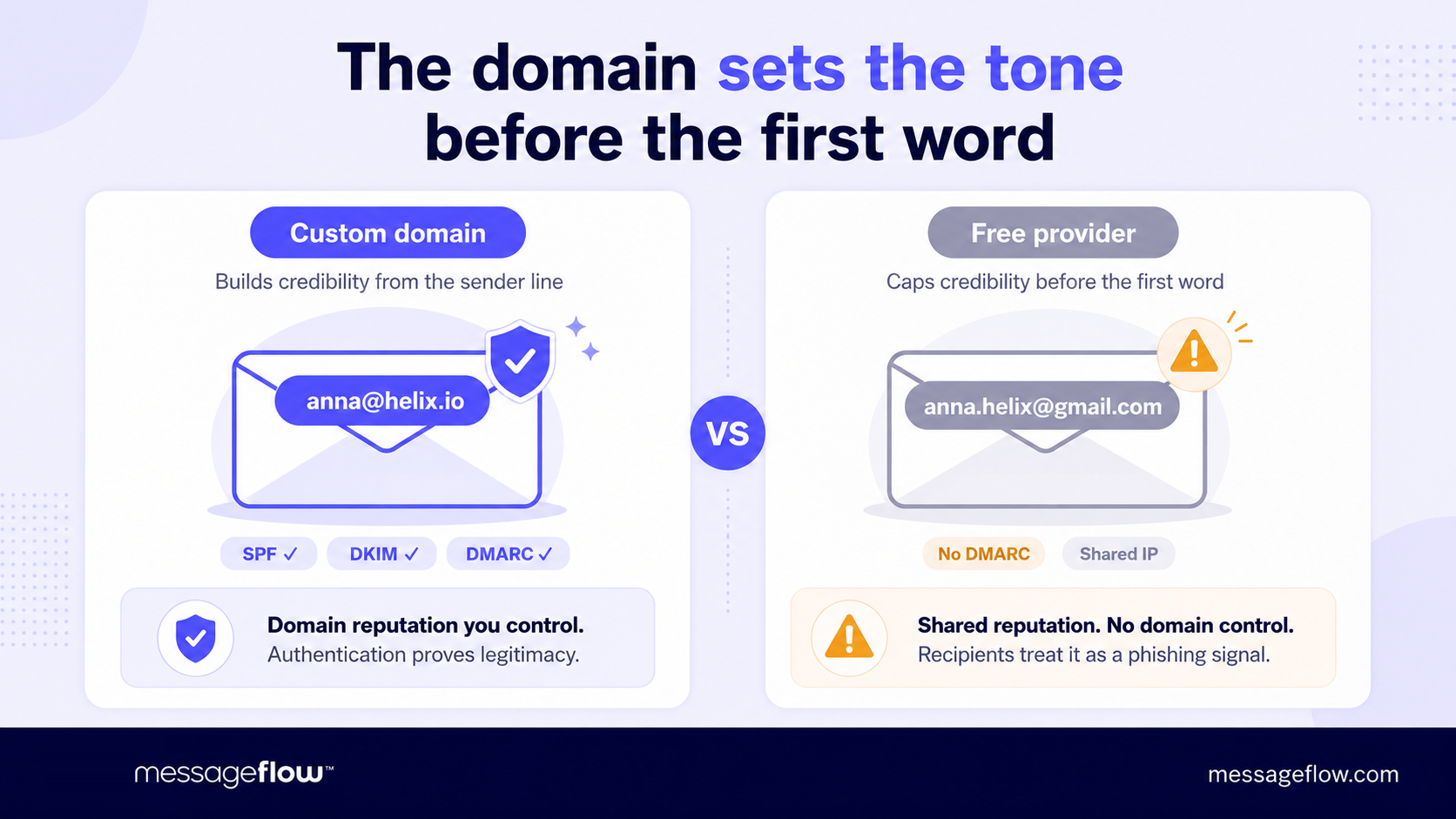
The company domain is a must. An address ending in @yourcompany.com immediately signals legitimacy. Free email providers work fine for personal use but in a business context, @gmail.com or @outlook.com reads as either early-stage or informal, neither of which helps when you’re trying to close a deal or resolve a support ticket.
The domain also gives you control over reputation. Inbox providers like Google and Microsoft score sender domains individually, so your email deliverability is tied directly to how well you manage that domain.
The format before the @ matters for consistency and scalability. Most companies settle on one of a few patterns:
- firstname.lastname – . The most common convention and the easiest to guess, which is actually an advantage: clients and partners can reach the right person without looking up the address.
- first initial + lastname – . Works well for larger teams where name collisions are more likely. Shorter too, which helps on mobile.
- firstname only – . Common at smaller companies or startups where informality is part of the brand. Doesn’t scale past a few dozen people.
Pick one pattern and enforce it across the organization. When a company mixes john.parker@, jane_s@, and marketing.mike@ on the same domain, it looks disorganized and makes it harder for recipients to verify whether a message actually came from your team.
Beyond personal addresses, most businesses need a set of role-based ones: support@, billing@, hello@, or careers@. These route to shared inboxes or ticketing systems rather than individual people, so they survive staff changes.
💡 A good rule of thumb is to keep role-based addresses functional and descriptive – returns@ beats customercareteam@ – and reserve them for contexts where the recipient doesn’t need to know who specifically is replying.
How to set up a business email on your own domain
If you already own a domain, you’re most of the way there. If you don’t, register one through any major registrar like Cloudflare, Namecheap, GoDaddy, or Google Domains and plan to spend roughly $10-15/year for a standard .com
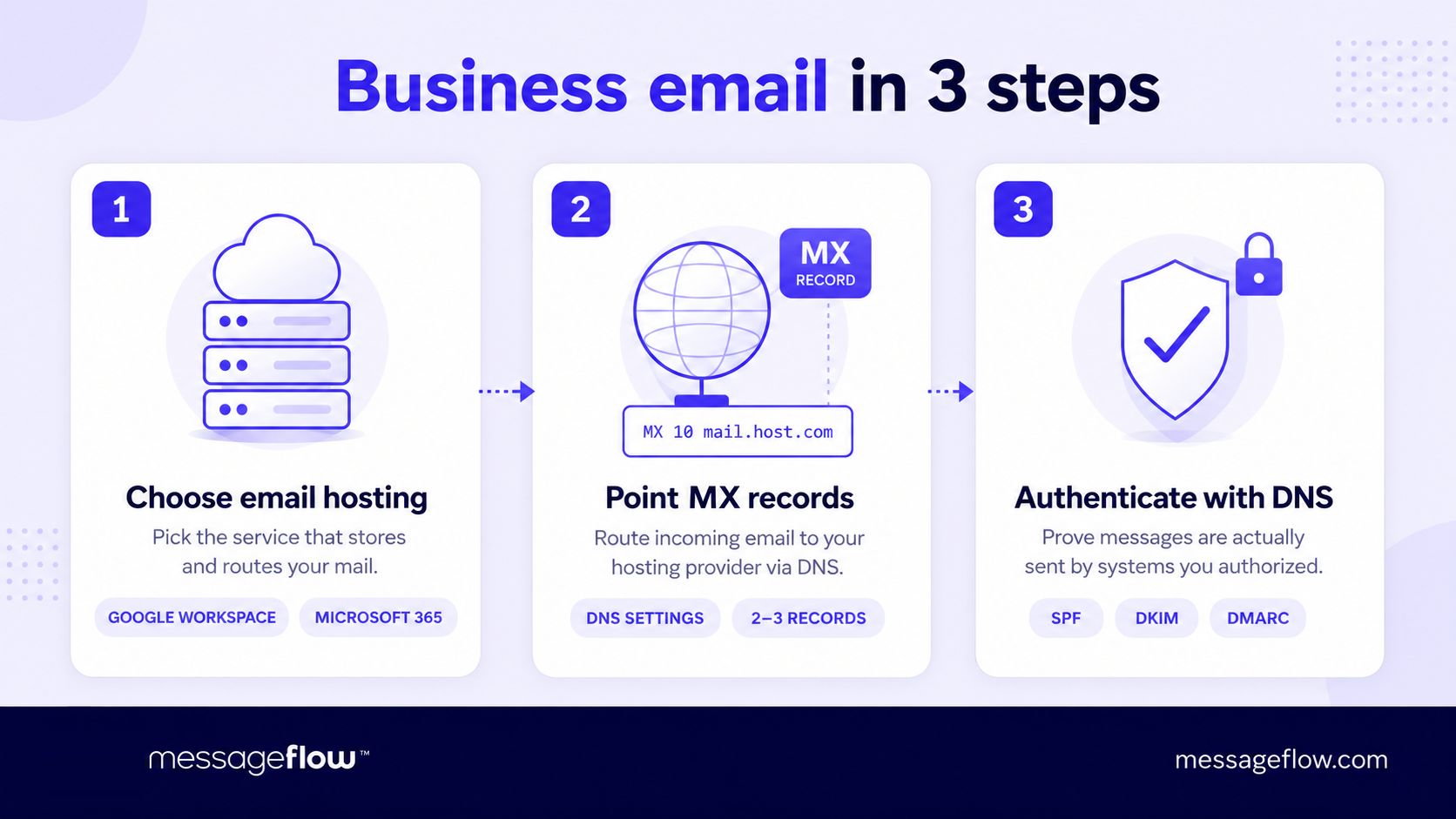
With the domain in hand, the setup has three steps.
Choose an email hosting provider
This is the service that actually stores and routes your mail. Google Workspace and Microsoft 365 are the most common email hosting provider picks. Both give you a familiar inbox interface, calendar, and file storage alongside your custom-domain email, typically for $6-7/month per user.
If you need something lighter, providers like Zoho Mail offer free tiers for small teams. The choice mostly comes down to which productivity suite your team already lives in.
Point your domain’s MX records to the provider
MX (Mail Exchange) records tell the internet where to deliver email sent to your domain. You configure them in your domain registrar’s DNS settings. Every email host publishes the exact MX values you need to enter. It’s usually two or three records with different priority numbers. Once saved, propagation takes anywhere from a few minutes to a couple of hours.
Set up SPF, DKIM, and DMARC
These three DNS records handle email authentication – they prove to receiving servers that messages from your domain are actually sent by systems you’ve authorized.
- SPF lists which servers are allowed to send on behalf of your domain. It’s a single TXT record.
- DKIM attaches a cryptographic signature to each outgoing message. Your email host generates the key pair, you publish the public key as a DNS record.
- DMARC tells receiving servers what to do when a message fails SPF or DKIM checks – quarantine it, reject it, or let it through. Start with a p=none policy to monitor without blocking, then tighten it once you’re confident your legitimate mail passes.
For more on the three authentication protocols, see our dedicated guide to SPF, DKIM, and DMARC.
Skipping authentication does more than risk deliverability – it leaves your domain open to spoofing. Anyone can send email that claims to come from a domain without DMARC enforcement, which is exactly how phishing attacks impersonate real companies.
Once records are in place, send a test message to an external address and check the headers. Look for spf=pass, dkim=pass, and dmarc=pass. Free tools like Google’s Messageheader analyzer or Mailchecker will parse this for you if reading raw headers isn’t your thing.
Mistakes that undermine a professional email address
The setup itself is straightforward which is why most of the damage comes from the small things people skip or overlook afterward.
Using a free provider for outward-facing business email
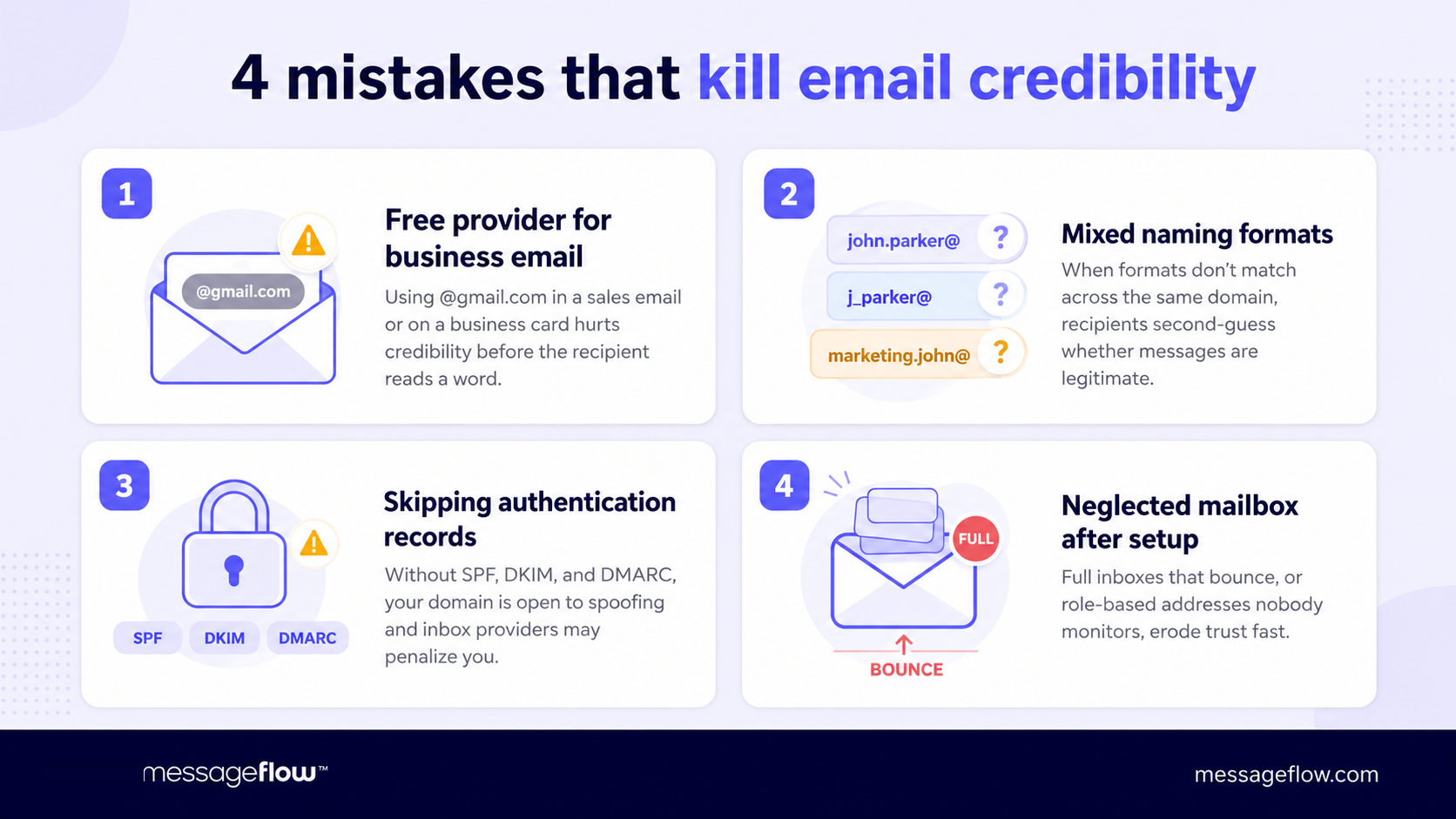
This one keeps coming up because it’s a very common offender. A @gmail.com address in a sales email or on a business card signals that the company either doesn’t have its own domain or didn’t bother connecting one.
Even when the email content is perfectly crafted, the sender address sets the credibility ceiling before the first word gets read. For transactional messages like order confirmations, password resets, and shipping updates a free domain is even more damaging because recipients have learned to treat those as phishing signals.
No naming convention or too many of them
When one team member uses firstname.lastname@, another uses f.lastname@, and a third just uses their first name, the inconsistency creates doubt. Recipients start second-guessing whether messages are legitimate, especially when the format doesn’t match what they’ve seen from your company before. Pick one convention early, document it, and apply it to every new hire.
Skipping authentication records
A custom domain without SPF, DKIM, and DMARC is only half the job done. Your messages might land in spam or worse, someone else could send email pretending to be you, and nothing in the recipient’s inbox would flag it.
This is especially costly for companies that send at any real volume: inbox providers increasingly penalize unauthenticated domains regardless of content quality.
Neglecting the mailbox after setup
Professional email addresses that bounce because the mailbox is full, or role-based addresses like support@ that nobody monitors, erode trust quickly. If you publish an address, make sure someone is reading what arrives there or at minimum, that an auto-reply sets expectations.
What comes after the address
A professional email address handles the credibility side but once you’re sending order confirmations, campaign emails, or support replies at any real volume, the address alone won’t carry you. You need sending infrastructure that keeps deliverability high across thousands or millions of messages.
That’s where a platform like MessageFlow fits in: API-driven email delivery alongside SMS, RCS, and push, so your carefully built domain reputation actually translates into messages that reach the inbox. If you’re at that stage, reach out and we’ll help you figure out the right setup.