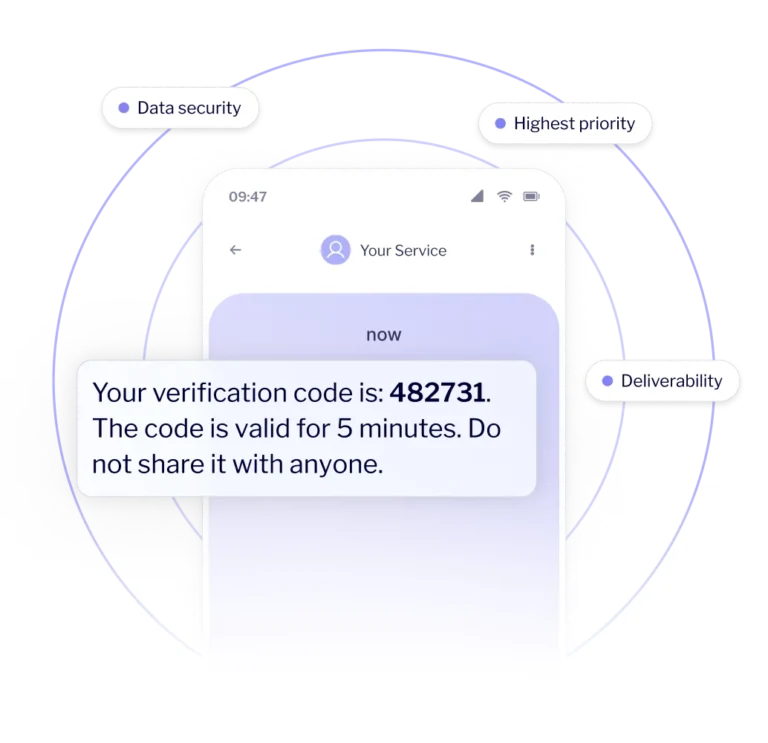
Cut wait times for SMS verification codes and reduce the risk of users abandoning logins, registrations and authorisations. Choose infrastructure built for critical communications to deliver SMS OTP quickly and reliably, even during sudden traffic spikes.
< 3,5 sec
average delivery time for
critical SMS messages
6 million
SMS messages
per hour
3B+
SMS messages
sent annually
Helping 140,000 brands turn communication into business results
Use SMS OTP to verify users securely
Strengthen security at critical points in the user journey without adding unnecessary friction. Send SMS OTP codes for logins, registrations, account recovery and transaction authorisation.
Don’t let a delayed OTP SMS stop your users
Reduce resend attempts, abandoned processes and support requests with infrastructure designed for critical communications.
SMS infrastructure for communication that cannot wait
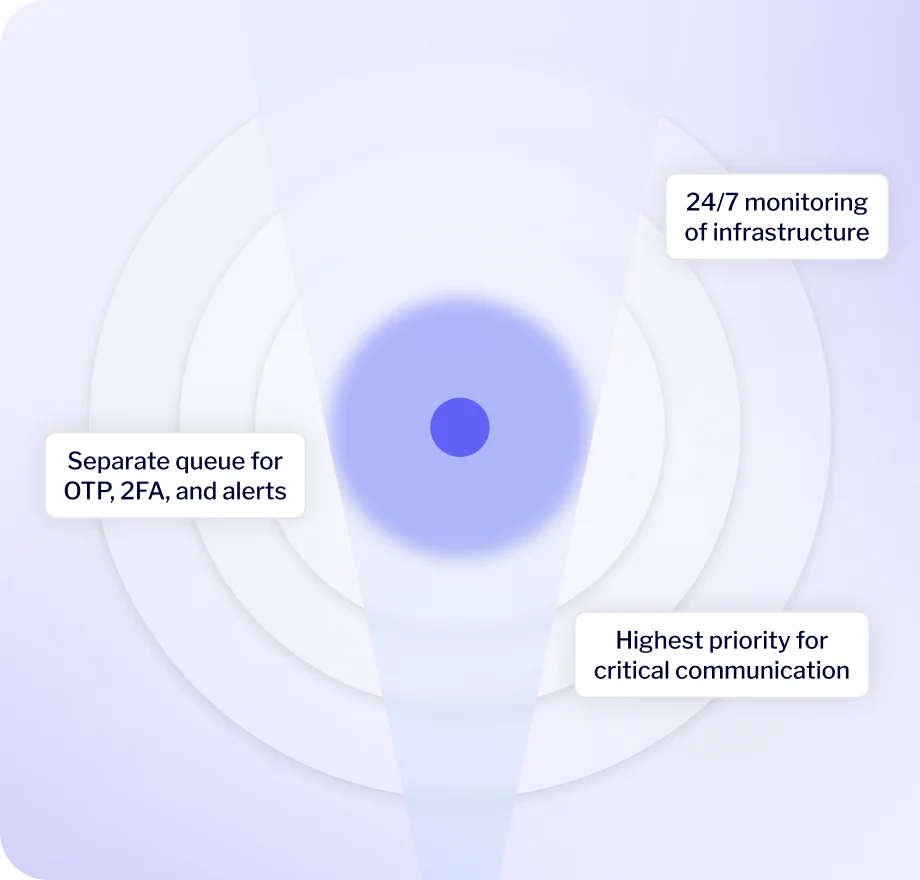
Deliver SMS verification quickly and predictably, even during sudden traffic spikes. MessageFlow combines priority handling for critical communications, throughput of up to 6 million SMS messages per hour, direct operator connections and 24/7 monitoring to help minimise delays, OTP resends and abandoned verification processes.
How does SMS OTP delivery work with MessageFlow?
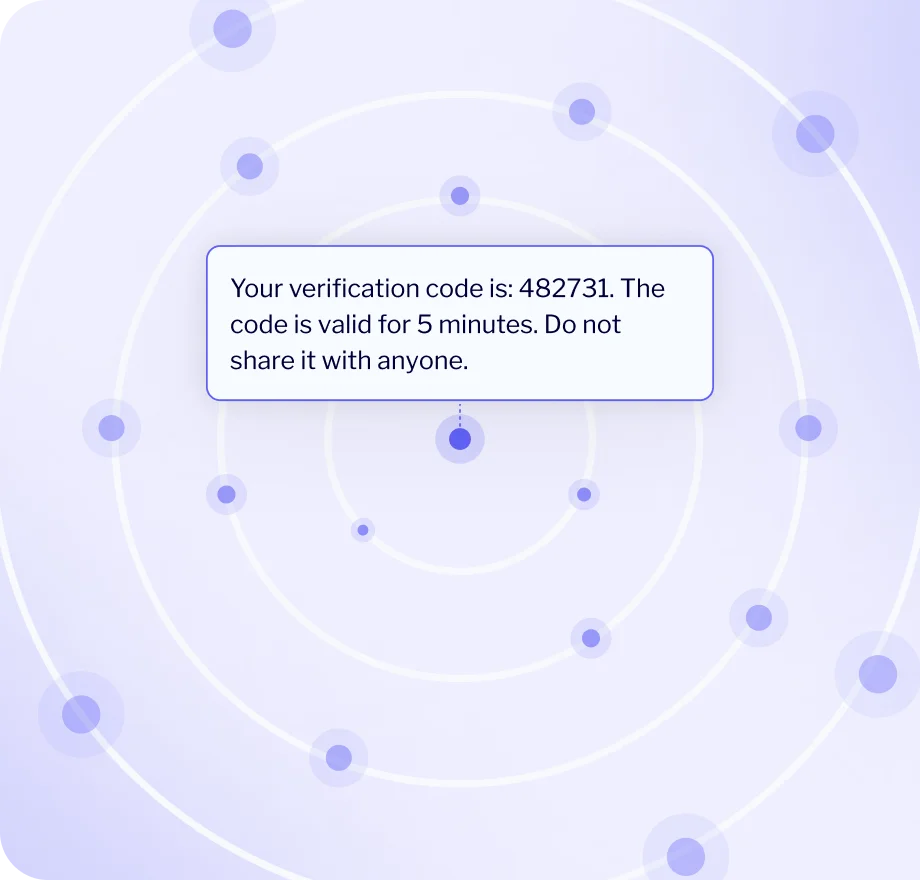
Your system decides when to generate an OTP code and verifies whether the code entered by the user is correct. MessageFlow handles fast delivery of the SMS OTP and returns information about its delivery status.
The user starts the verification process
They log in, create an account, reset a password or confirm an important action.
Your system generates the code
Your application generates a one-time OTP code and defines how long it remains valid.
MessageFlow sends the SMS
Your system sends the phone number and message content to the SMS API. MessageFlow routes the message to the mobile operator and delivers it to the user.
The user enters the code
The user enters the code in the application or service where they started the verification process.
Your system verifies the request
Your application checks whether the code is correct and still valid, then approves the login, password reset or other requested action.
Use SMS OTP at critical points in the user journey
Keep login, registration, account recovery and transaction authorisation running smoothly. Fast SMS OTP delivery helps users verify their identity without unnecessary delays while reducing retries, abandoned processes and support requests.
Login and two-factor authentication
Strengthen account security without making login more complicated.
Send an SMS verification code after the user completes the first authentication step and let them confirm that they are the person trying to access the account.
Registration and phone number verification
Verify phone numbers as soon as users create an account.
Send an SMS OTP to confirm that the user has access to the phone number they provided. Reduce fake accounts and improve contact data quality without adding unnecessary steps to registration.
Password reset and account recovery
Help users regain access to their accounts securely.
Use SMS OTP to verify the user’s identity before allowing them to change their password or other login credentials. Reduce the risk of account takeover while limiting unnecessary support requests.
Transaction authorisation and high-risk actions
Add an extra verification step where unauthorised activity could have the greatest impact.
Use 2FA for payments, withdrawals, changes to account details, adding new beneficiaries or other actions that require users to re-authenticate.
User re-verification
Add another verification step when the login context changes or the level of risk increases.
Trigger additional verification when a user changes devices, logs in from a new location, returns after a long period of inactivity or shows unusual behaviour.
Combine SMS with other channels to keep authentication available
Build multi-channel verification journeys based on risk level and channel availability. Use SMS OTP as the primary method for delivering verification codes or as a reliable fallback when users cannot access the app or another channel is unavailable.
Send a push notification and let users approve an action directly in the app. Use SMS for 2FA as an alternative when users cannot access the mobile application.
Example
Send an in-app request to approve a transaction and, when needed, give the user the option to receive an OTP code by SMS.
Result
You reduce SMS costs while maintaining an alternative verification path.
Use SMS OTP for fast identity verification and email for transaction details, confirmations and security alerts.
Example
Before a password change, send the OTP by SMS. Once the process is complete, send an email confirmation with instructions on what to do if the user did not request the change.
Result
You strengthen process security while giving users complete information about activity on their account.
Use RCS for educational campaigns about online security while keeping SMS OTP as the channel for delivering one-time codes during authentication.
Example
Send an RCS campaign explaining how to recognise phishing attempts.
Result
You build security awareness through a richer, more engaging channel.
Deliver verification codes through WhatsApp to users who use the app, while keeping SMS OTP as an alternative when WhatsApp is unavailable.
Example
Send the code through WhatsApp and offer an SMS OTP option if the user cannot receive it through that channel.
Result
You reduce code delivery costs while maintaining broad availability through SMS.
Deliver verification codes through Viber in markets where the app is widely used, with SMS OTP available as a fallback or alternative for other users.
Example
Send the code from the brand’s official Viber profile and provide SMS OTP as an alternative for users who cannot receive it through Viber.
Result
You reduce messaging costs while maintaining broad access to verification.
Prepare your SMS OTP infrastructure for any traffic level
Let’s talk about infrastructure tailored to your messaging volumes, markets and security requirements. We’ll review your current setup and identify opportunities to reduce costs and delivery delays.
Frequently asked questions about SMS OTP and 2FA
2FA, or two-factor authentication, is a process in which users verify their identity using two different authentication factors, such as a password and a code sent to their phone. SMS 2FA refers to a process in which an SMS message is used to deliver one of those verification factors.
OTP (One-Time Password) is a one-time code that remains valid for a defined period or until it is used. With SMS OTP, the code is delivered to the user by text message. It can be used as part of 2FA, but it can also be used to verify a phone number, reset a password or authorise a specific action.
MessageFlow delivers SMS messages containing OTP codes. Your system is responsible for generating the code, defining its validity period and checking whether the user entered it correctly.
An OTP is a one-time code used to confirm a specific action, such as a login, registration, password reset or transaction. 2FA is a broader authentication process that relies on at least two different factors, for example a password and a code sent to a phone.
This means that not every OTP is part of 2FA. An OTP can also be used on its own to verify a phone number or confirm a specific action.
No. Users do not need Wi-Fi or mobile data to receive an SMS code. Their phone does, however, need to be connected to a mobile network and have an active SIM or eSIM that supports SMS messaging.
In the standard SMS API integration model, your system generates and verifies the OTP code. MessageFlow is responsible for accepting the messaging request, delivering the SMS to the recipient and returning information about its delivery status.
Connect your backend to the MessageFlow SMS API. When a user starts a process that requires verification, your system generates the code and sends the phone number and message content to the API.
MessageFlow delivers the message, and the user enters the code in your application. Your backend then checks whether the code is correct and still valid.
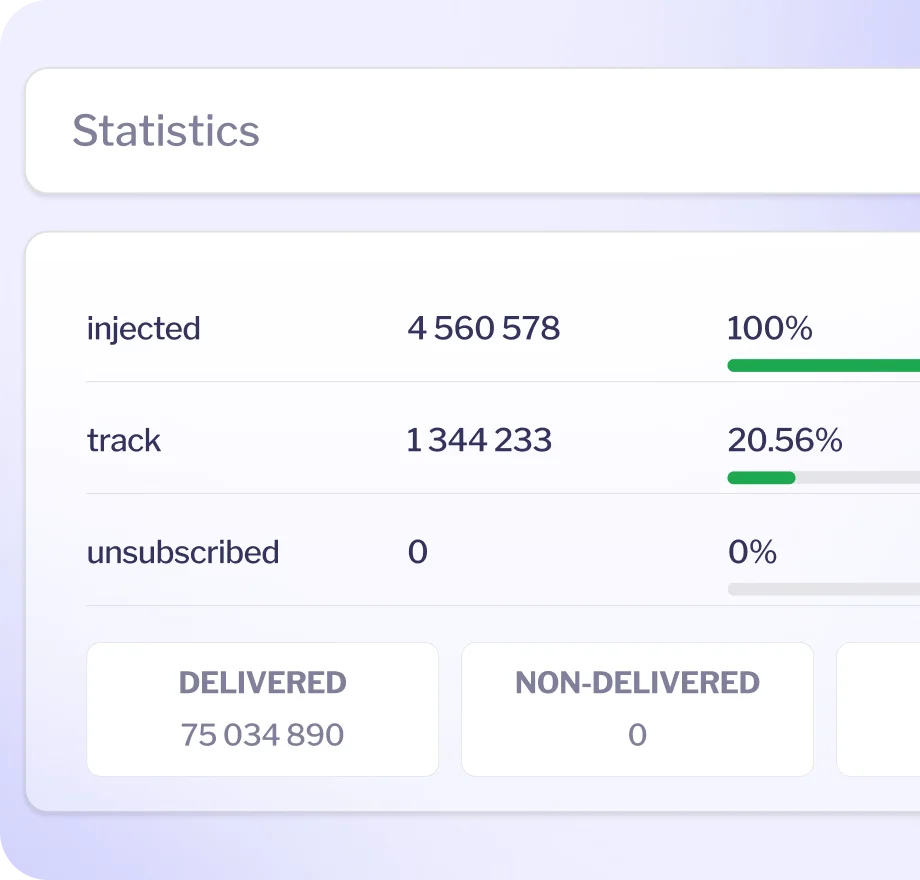
Track each message from the moment it is submitted to the API through to successful delivery or failure. MessageFlow can send delivery statuses directly to your backend via webhooks.
This helps you identify issues faster, reduce unnecessary resend attempts and trigger the appropriate fallback scenario when a code does not reach the user.