Turn attention into sales with mobile push notifications
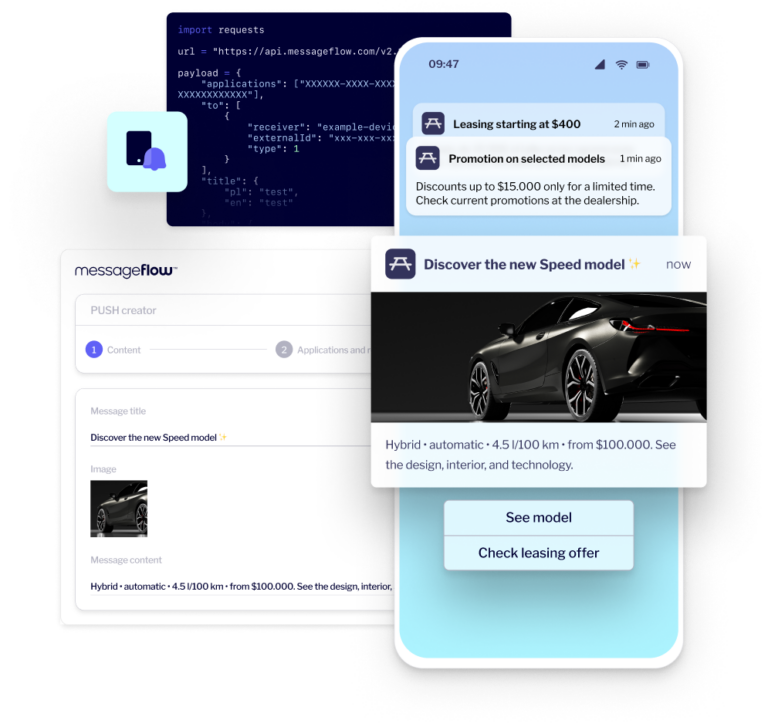
Increase app return rates, drive stronger engagement, and convert more users with mobile push notifications. Launch campaigns quickly using an intuitive, marketer-friendly builder, or deliver automated, real-time messages through a powerful push API built for scale.
push API uptimefor reliable, uninterrupted communication
300+
mobile push experts dedicated to support your campaigns
Join 79,000+ brands growing their mobile push communication with MessageFlow
Create, send, and optimize mobile push notifications
MessageFlow is an all-in-one push notification platform that combines intelligent segmentation, high performance, and enterprise-grade security. Built for marketers, eCommerce teams, and IT leaders, it enables faster execution, lower backend strain, and consistent, scalable communication that fuels business growth.
Plan, launch, and optimize push campaigns through an intuitive web dashboard – no developer involvement required. Deliver messages precisely when they matter most.
Mass and targeted campaigns
Reach your entire audience or engage specific segments based on behavior, user status, interaction history, or in-app context.
Automation scenarios
Feed the Dynamic Segmentator with real-time data via API. Use in-app behavior to build precise audience groups and target them effectively in your scheduled campaigns.
Data-driven personalization
Deliver personalized push notifications using dynamic content, user attributes, and behavioral insights aligned to each stage of the customer lifecycle.
Rich push and deep linking
Boost CTR by up to 40% with rich push notifications featuring images, clear CTAs, and deep links that send users straight to the right place in your app.
Analytics and A/B testing
Go beyond clicks. Track dismissals, delivery errors, and engagement patterns. Instantly create new audiences from non-openers and resend optimized messages with a single click.
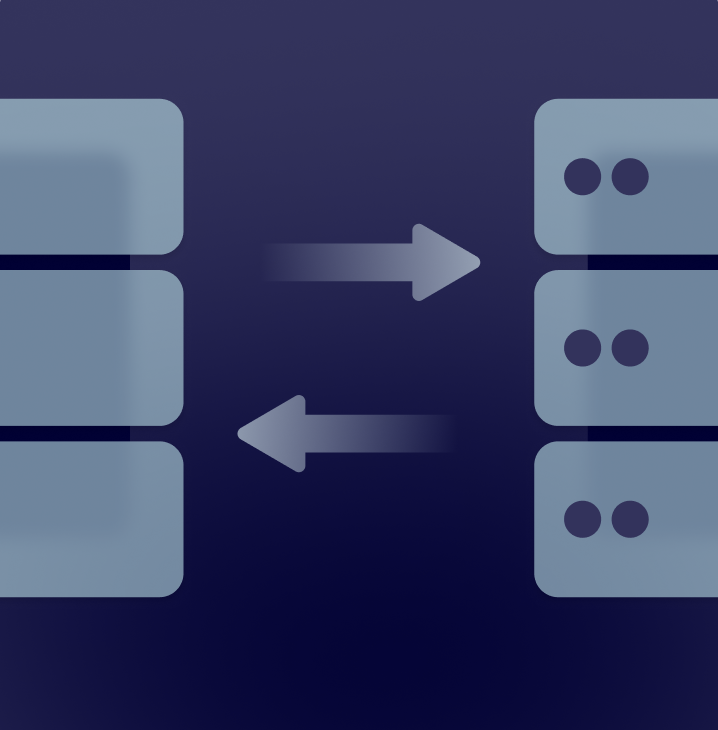
Send push notifications directly from your backend, CRM, or transactional systems. MessageFlow’s Push API enables instant, secure, and scalable communication triggered by real-time events – from password resets and order updates to critical security alerts.
Performance and reliability at scale
Built for high-volume, mission-critical use cases, the Push API delivers high availability and ultra-fast message delivery – even under peak load.
Clean Start and controlled user base migration
Launch with a verified, high-quality user base. SDK integrations and force-update mechanisms automatically remove inactive tokens, clean your data, and improve delivery performance – without disrupting active users.
Unified push delivery for iOS and Android
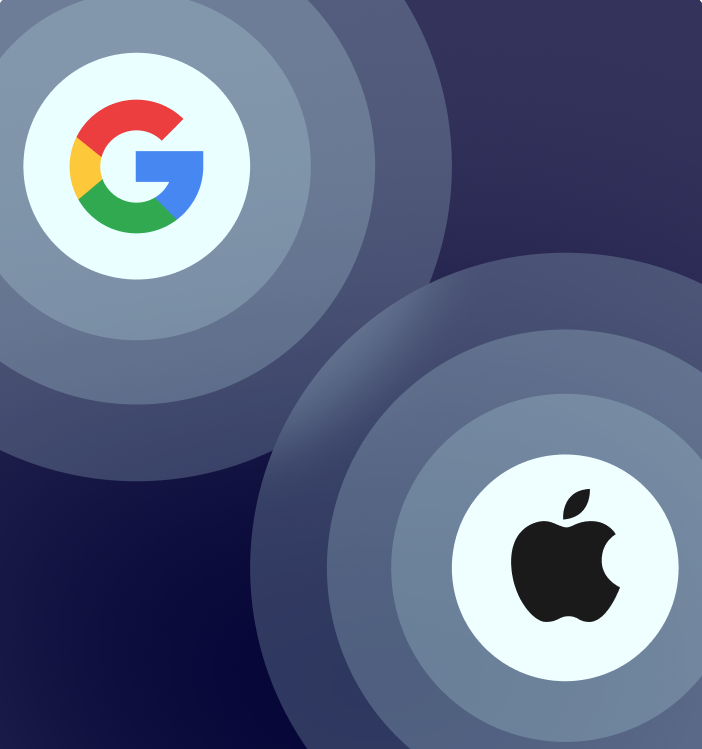
MessageFlow natively supports push notifications for iOS (APNs) and Android (FCM), ensuring compliance with current platform requirements and a consistent user experience across environments.
Throughput control and backend protection
Throughput control lets you manage push delivery rates and application-generated traffic, protecting your backend from sudden traffic spikes.
User identification and cross-channel communication
Linking push tokens with email addresses or phone numbers enables advanced personalization and consistent use of user data across multiple communication channels.
Push notification platform tailored to your industry and scale
Mobile push lets you deliver the right message at the right moment, in the right context – regardless of your industry or company size. MessageFlow supports transactional push notifications, push notification marketing, and retargeting messages powered by behavioral data and continuously updated Android and iOS technologies.
eCommerce
Recover abandoned carts and alert users to price drops, restocks, and limited-time offers. With built-in throughput control, MessageFlow lets you run high-volume campaigns – such as Black Friday promotions – while protecting your store from sudden traffic spikes.
30.5% avg MAU driven by mobile push in eCommerce
Finance
Keep customers informed with real-time alerts for transactions, security events, and account updates, while promoting value-added services (VAS). Advanced security features and lock-screen content controls help build trust and meet industry requirements.
77% average opt-in rate for mobile push in fintech
Services
Engage users across the entire lifecycle – from onboarding and payment reminders to loyalty incentives. Automated, behavior-based, personalized push notifications help re-engage users before churn occurs.
15% avg retention increase after implementing in-app push notifications
Marketing
Drive app traffic without relying on social media algorithms. Instantly notify users about breaking news, new content, or live match results. With smart segmentation, deliver personalized updates that build a habit of daily app usage.
48% of users open push notifications within 15 min of delivery
Push notifications drive higher returns and conversions
Boost engagement, increase conversions, and grow mobile app revenue – while reducing reliance on paid acquisition. Our push notification platform allows precise segmentation, real-time personalization, and deep linking to reach users exactly when they’re most likely to act. Built-in analytics and A/B testing ensure continuous optimization based on data, not assumptions.
Close sales faster
Shorten the path from intent to purchase. Send users directly to a product page, cart, or checkout. Rich push notifications with visuals, clear CTAs, and deep links remove friction and drive higher in-app revenue.
Reclaim user attention
Trigger mobile push notifications based on real user behavior – through the campaign builder or the Push API. Reinforce your product’s value at the moment users are most receptive.
Build reach in your own channel
With app installs and user consent, push notifications become a cost-effective owned channel. You control timing, frequency, and scale – and throughput control safeguards your backend from traffic spikes caused by high-performing campaigns.
Increase conversions with segmentation
Target the right users with always up-to-date data. MessageFlow Segments automatically recalculate audiences just before each send, ensuring your message reaches users who meet the criteria at the exact moment the campaign goes live.
Fast mobile push integration and secure migration
Worried about switching providers? At MessageFlow, migration is an opportunity for a clean start. Eliminate legacy clutter, improve data quality, and build a unified customer profile using our SDK and REST API.
Start with a clean slate
Avoid carrying over outdated or inactive data. Integrate our SDK and prompt users to update the app – tokens refresh automatically on launch, creating a fully active user base. Inactive tokens are excluded from the outset, reducing unnecessary costs.
Single customer view
Upload email addresses and phone numbers from your CRM directly into the platform. The system automatically matches them with new tokens collected by the SDK, creating a single, complete customer profile for precise cross-channel personalization.
Automatic database hygiene
Ensure a high CTR and avoid wasting your budget. The system instantly identifies inactive tokens (e.g., uninstalled apps) after each send, allowing you to easily remove them and keep your list clean.
Backend integration in one day
Running a custom backend? Our fully documented REST API provides ready-to-use methods and event triggers, enabling your IT team to complete mobile push integration in hours rather than weeks.
Build a communication strategy with mobile push at the center
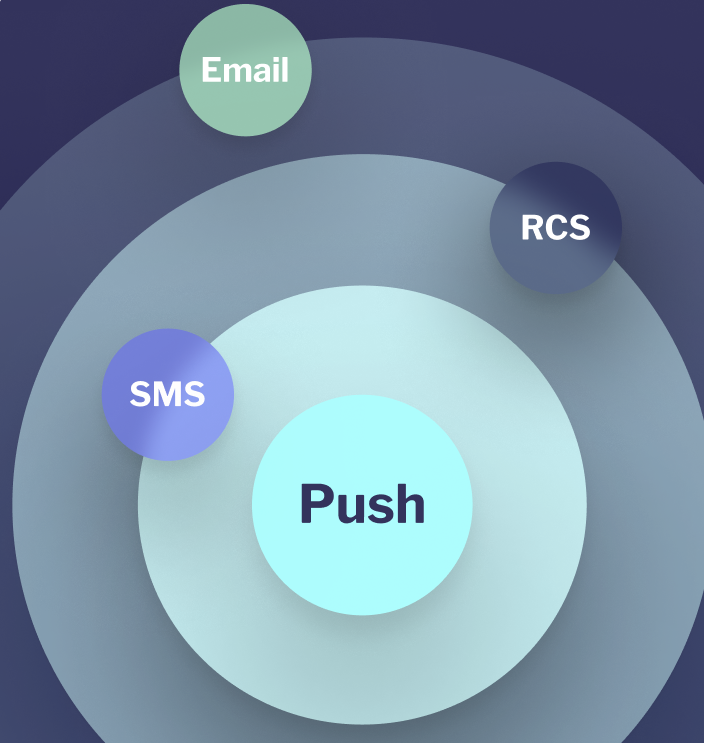
With MessageFlow, you get more than a tool – you gain a complete omnichannel communication platform. Backed by optional premium SLAs and dedicated Customer Success support, we help you build an ecosystem where personalized push notifications, SMS, email, and RCS work together to drive measurable business results.
Design coordinated journeys where email sets the narrative and push notifications reinforce it – guiding users straight to your app or a specific screen. This combination increases engagement and accelerates conversion.
Match the channel to the message. Use mobile push for engagement and fast responses, and SMS for critical, transactional, or time-sensitive alerts. Manage, send, and measure all channels from one platform – while maintaining full control over the user experience.
Break through message fatigue with rich, interactive RCS content. Mobile push supports this channel by reinforcing key messages and directing users to the next action – extending reach and engagement.
Turn missed push notifications into conversions. When a push isn’t opened or clicked, SMS Booster automatically sends a follow-up SMS after a defined time – reinforcing the same message and recovering lost opportunities.
Ready to get more value from mobile push?
Schedule a free consultation and discover how push notifications, combined with a cross-channel strategy, can help you achieve your business goals.
Why do brands choose MessageFlow as their push notification platform?
We use the platform to send SMS and Mobile Push notifications both domestically and internationally with Support always on standby.
The communication platform provides us with comprehensive SMS communication services at a very high level. Thanks to the individual approach to our needs, we were able to use ready-made solutions, as well as tailor-made solutions, which is a great help in the case of such a large organization as ours.
The Email and SMS communication infrastructure delivers outstanding overall performance, perfectly meeting our extensive marketing campaign needs.
Push Notifications: Frequently Asked Questions
Push notifications are messages delivered directly to a user’s mobile device – appearing on the lock screen or in the notification center. They don’t require the app to be open or an active session, which makes them ideal for delivering timely information, reminders, or calls to action.
With MessageFlow, push notifications can be enhanced as Rich Push, including large images, emojis, and – on iOS – even animations, helping messages stand out in crowded notification trays.
Mobile push notifications are permission-based. After a user installs an app and grants consent, Android and iOS enable message delivery through their native push services. Notifications can include text, visuals, and deep links that take users directly to a specific screen within the app.
Mobile push supports both push notification marketing and operational communication. Brands use it to promote offers, launches, and events, as well as to send alerts, reminders, and real-time status updates. As a result, push notifications improve retention and enhance the overall app experience.
The key difference lies in context and capability. Push notifications require an installed app but offer rich content, deep linking, and advanced personalization. SMS works without an app or internet connection but is limited in format and typically more expensive. In practice, the two channels are often used together.
Yes. Both Android and iOS natively support push notifications. While there are technical differences between platforms, modern solutions allow you to manage delivery to both ecosystems from a single interface with consistent results.
Push notifications typically fall into three categories:
Push notification marketing – promote offers, launches, and campaigns
Transactional push notifications – deliver real-time updates such as order statuses, account activity, or system events
Retargeting and engagement notifications – re-engage users, recover abandoned actions, and build regular usage habits
A balanced mix of these types ensures effective communication without overwhelming users.
Transactional push notifications are automated messages triggered by user actions or system events. Examples include payment confirmations, shipping updates, password changes, and security alerts. Their purpose is to deliver critical, expected information instantly – building trust and improving user experience.
Well-timed, relevant push notifications remind users of an app’s value and encourage frequent returns. When combined with personalization and behavioral triggers, mobile push helps build habitual usage and increases interaction frequency.
Yes. Push notifications reduce friction by directing users straight to a product, form, or feature within the app. This makes them highly effective for driving sales, registrations, upgrades, and reactivations.
Push notifications can be personalized using demographic data, in-app behavior, interaction history, or lifecycle stage. This relevance improves user acceptance and significantly increases engagement and conversion performance.
Key metrics include delivery rate, opens, clicks, and in-app conversions. With automatic UTM tagging, conversions and revenue can be tracked directly in analytics tools such as Google Analytics – allowing push notifications to be managed as a full performance channel. Continuous analysis enables ongoing optimization of timing, content, and segmentation.